
Drip & Automation Emails
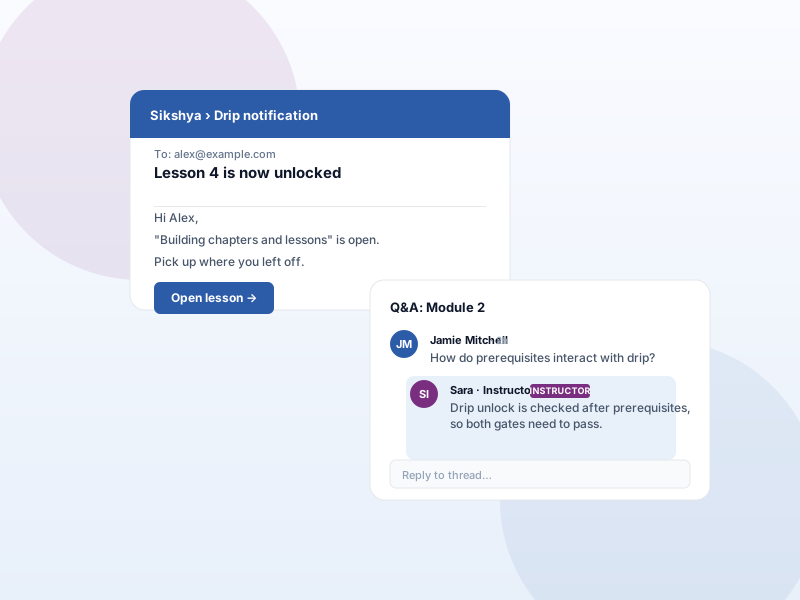
Send an email when a scheduled lesson unlocks for the learner.
Why this matters
Content drip releases lessons on a schedule, but a release that the learner doesn't hear about is a release the learner doesn't see. Notification emails close that gap.
What you get
- Email learners automatically when their next dripped lesson becomes available.
- Each template (lesson unlocked, course schedule unlocked) can be enabled or disabled independently.
- Requires the Content Drip add-on, since the unlock events come from there.
What it unlocks
-
Automatic unlock emails
Learners get a transactional email the moment a dripped lesson opens — no manual broadcast or scheduled newsletter required.
-
Per-template toggles
"Lesson unlocked" and "Course schedule unlocked" are separate templates. Enable or silence each independently from Email templates.
-
Editable copy
Rewrite subject lines and email bodies through the standard Email templates editor — match your brand voice without code.
How it works
-
1
Enable Content Drip first
Drip Notifications fires on unlock events generated by Content Drip, so activate that add-on and set per-lesson schedules first.
-
2
Activate Drip Notifications
Turn the add-on on under Sikshya Add-ons. The drip email templates appear in the Email templates list, ready to enable.
-
3
Edit + go live
Open each template, tweak subject and body, and enable it. From the next unlock event onward, learners receive the email automatically.
Frequently asked
Does this require Content Drip too?
Yes. Drip Notifications send emails on unlock events that come from the Content Drip add-on. Enable both for the full flow.
Keep exploring
Ready to ship Drip & Automation Emails?
Activate the Sikshya Pro Starter tier to unlock this feature. The free plugin handles everything else.