
Zapier Integration
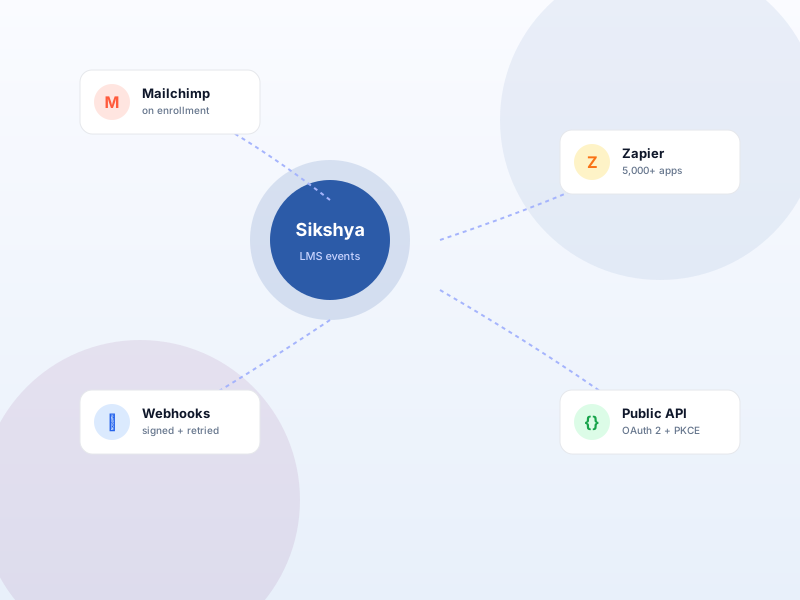
Route Sikshya LMS events to Zapier so Zaps can fire on enrollment, completion, and order events.
Why this matters
Most teams already use Zapier to glue together internal tools. Connecting Sikshya LMS to a Zap means you can react to learner events — enrollment, completion, order — in tools we don't directly integrate with.
What you get
- Paste a Zapier "Catch Hook" URL into Sikshya LMS, choose events, and Zapier handles the rest.
- Sikshya LMS delivers signed JSON; Zapier routes it onward to your chosen downstream tool.
What it unlocks
-
No-code event routing
Paste a Zapier "Catch Hook" URL into Sikshya, pick the event, and Zapier handles the rest — no custom code, no integration sprint.
-
Reach 5,000+ apps
Sikshya hands the event to Zapier; Zapier routes it onward to Slack, Notion, Sheets, HubSpot, your CRM — anything Zapier connects to.
-
Signed payloads
Sikshya signs every payload so your Zaps can trust the source. Built on top of the same event system as the Webhooks add-on.
How it works
-
1
Create a Zap with Catch Hook
In Zapier, start a new Zap with "Webhooks by Zapier → Catch Hook". Zapier gives you a unique URL.
-
2
Paste the URL into Sikshya
In Sikshya's Zapier settings, paste the Catch Hook URL and pick which event should trigger it — enrollment, completion, order.
-
3
Build downstream actions
Add Zapier action steps — post to Slack, add a row to Sheets, push to your CRM. When the event fires in Sikshya, the Zap runs.
Frequently asked
How is this different from the Webhooks add-on?
Webhooks point at any endpoint you control. Zapier is a hosted version that lets you connect to apps without writing code. Both use the same underlying event system; pick whichever your team is set up to use.
Keep exploring
Ready to ship Zapier Integration?
Activate the Sikshya Pro Scale tier to unlock this feature. The free plugin handles everything else.