
White Label & Branding
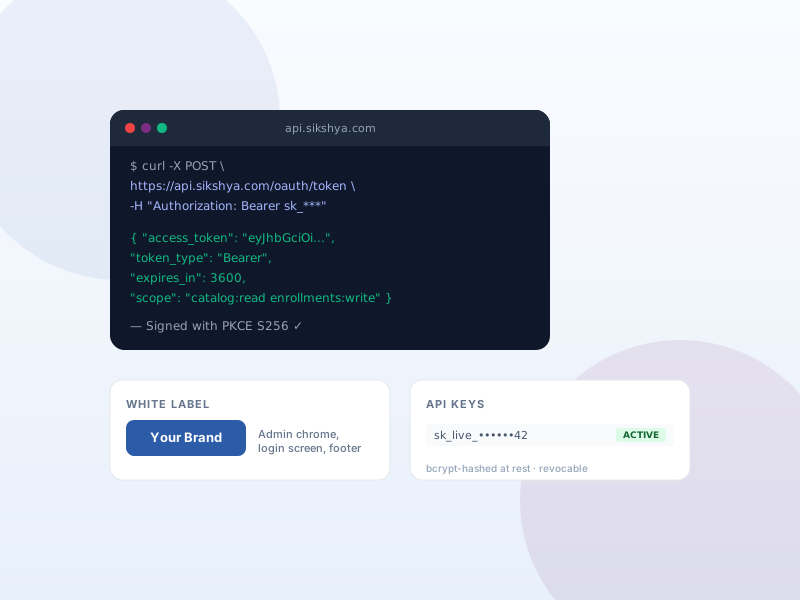
Adjust Sikshya's appearance inside the WordPress admin so it fades behind your agency or client brand.
Why this matters
Agencies and resellers ship Sikshya LMS to clients who shouldn't see "Sikshya LMS" everywhere in their dashboard. White-label controls let you adjust labels and login styling so your brand is the one in focus.
What you get
- Adjust Sikshya's admin footer text and login screen colors.
- Customer-facing dashboard surfaces your brand instead of the default "Sikshya LMS" naming where supported.
What it unlocks
-
Custom admin footer
Replace Sikshya's default footer text in the admin with your agency or client brand. Clients see your name, not ours.
-
Branded login screen
Tune login accent colors so the sign-in page matches your brand. First impression in the admin reads as yours.
-
Reseller-friendly
Designed for agencies who deliver Sikshya-powered sites to clients. Sikshya fades into the background; your brand stays in focus.
How it works
-
1
Enable White Label
Activate the add-on under Sikshya Add-ons. A White Label settings screen appears with branding controls.
-
2
Set brand details
Replace footer text, pick login screen accent colors, and adjust the Sikshya-specific labels where supported.
-
3
Ship to clients
Hand the site over. Clients see your brand in the Sikshya admin surfaces — no need to explain a third-party product name.
Frequently asked
Does this rename every reference to Sikshya LMS?
It customizes the Sikshya LMS-specific admin surfaces. WordPress core, third-party plugins, and references in our public docs aren't affected — those aren't ours to rename.
Keep exploring
Ready to ship White Label & Branding?
Activate the Sikshya Pro Scale tier to unlock this feature. The free plugin handles everything else.