
Dynamic Checkout Fields
Add custom fields to checkout — company name, VAT, referral source — with simple show/hide rules.
Why this matters
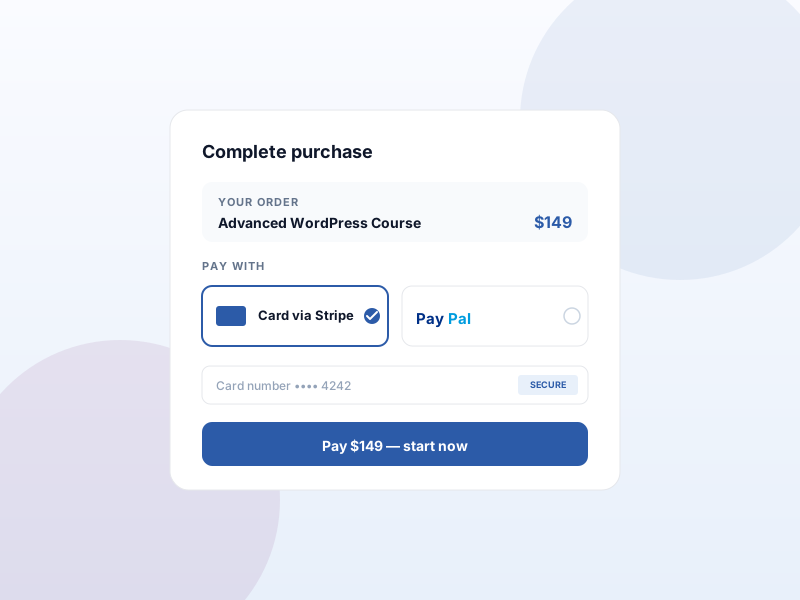
Standard checkout (email + billing) is enough for individual buyers, but B2B sales need company info, EU buyers need VAT, and marketing teams want a referral-source dropdown. Custom checkout fields let you collect what you actually need.
What you get
- A field builder for extra checkout questions — text, dropdown, checkbox.
- Simple conditional rules — show or hide a field based on the answer to another.
- Answers save against the order, and optionally against the user, for faster repeat checkout.
What it unlocks
-
Custom field builder
Add text, dropdown, or checkbox fields to checkout. Collect company name, VAT, referral source, or consent — whatever your sale actually needs.
-
Show/hide rules
Simple conditional logic — show "VAT number" only when "I'm buying for a business" is checked. Keeps the form short for casual buyers.
-
Save to order + user
Answers attach to the order for the record, and optionally save against the user account so repeat checkout pre-fills automatically.
How it works
-
1
Activate the add-on
Enable Dynamic Checkout Fields under Sikshya Add-ons. A field builder appears in your checkout settings.
-
2
Add fields and rules
Pick a field type — text, dropdown, checkbox — set its label, mark required or optional, and add show/hide rules if needed.
-
3
Sikshya saves the answers
Buyers fill the fields at checkout. Answers attach to the order automatically, and pre-fill on the next purchase for logged-in users.
Frequently asked
Can I require a field?
Yes — fields can be required or optional. Required fields block the checkout button until they're filled.
Keep exploring
Ready to ship Dynamic Checkout Fields?
Activate the Sikshya Pro Growth tier to unlock this feature. The free plugin handles everything else.